Session sign-ups

Know who is coming before the session starts

Members, or their parents, answer from a personal link in an email: coming or not coming. No login, no app to install. The reminder goes out a set number of hours before, only to those who have not answered, and the trainer sees the answers next to each name.

The answer page opens in Estonian, English, Russian or German.

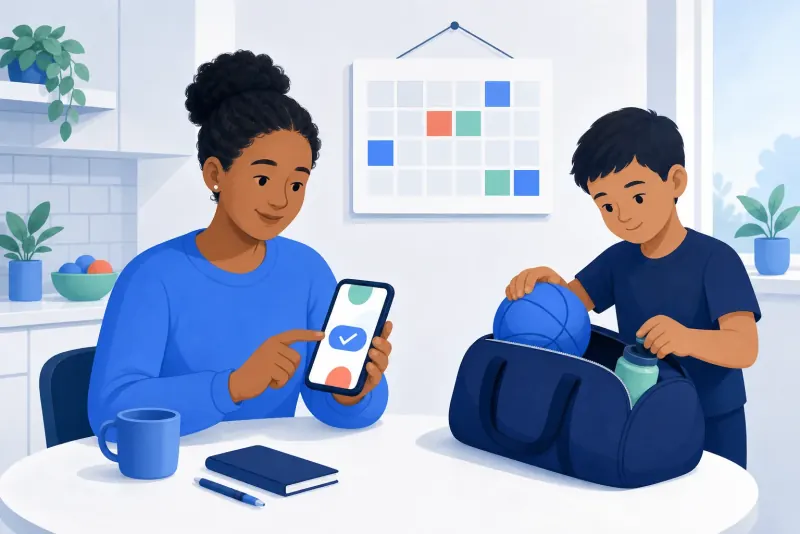
Illustration of a parent confirming on a phone while a child packs a sports bag

How it works

How an answer arrives

  1. 1

    Turn on reminders

    In the club's settings, choose how long before a session the reminder goes out, from an hour to two weeks, and who gets it: the member, their parents, or both.

  2. 2

    Members get a link

    Before each group session, every member who has not answered gets an email with a link of their own. Opening it records nothing until they press a button.

  3. 3

    They answer

    Coming or not coming. They can change their mind until the session starts. A full session takes no more yeses, but saying no is always possible.

  4. 4

    The trainer sees it

    On the session's list, next to every name. Afterwards the trainer marks who actually came.

Reminders only for those who have not answered

A reminder goes out a set number of hours before a group session, and only to members who have not answered yet. If the parent has no email address the member's is used, and the other way round, so only a member nobody can reach is skipped.

Nothing is sent if the session has started or been cancelled, or the member has answered in the meantime.
Safe links

  • Opening a link does nothing on its own, so email scanners that open every link cannot answer for anyone.
  • The page shows the club, the session and the member's first name, not their email address or who else is coming.
  • A link closes by itself when the session starts, is cancelled or moved, or the member leaves the club.

One answer, everywhere

Saying "coming" is the same as signing up in the member portal, and it counts towards the session's capacity. Unregistering in the portal says "not coming", so that member is not reminded.

What the trainer records after the session wins: an answer cannot undo a trainer's mark.

FAQ

Questions

Do members need an account to answer?

No. The link in the email is enough.

What if the session is full?

The page says it is full and offers only "I can't come".

Can a member change their answer?

Yes, until the session starts.

Who gets the reminder, the child or the parent?

The club chooses: the member, their parents, or both. Both get the same link, so it is one answer whoever presses.

In which languages is the answer page?

Estonian, English, Russian and German.

Ask your next session who is coming

Create a club account, add a group and its members, and turn on session reminders in the club's settings.