Payments

From bank statement to paid invoice

Stop ticking off payments by hand. Upload the bank statement and GoSporto matches every incoming payment to a member by their payment reference, or by the invoice number in the description. What cannot be matched waits for you, and money never moves between members on its own.

LHV and Swedbank CSV, and ISO 20022 camt.053. Card payments through your club's own Stripe account.

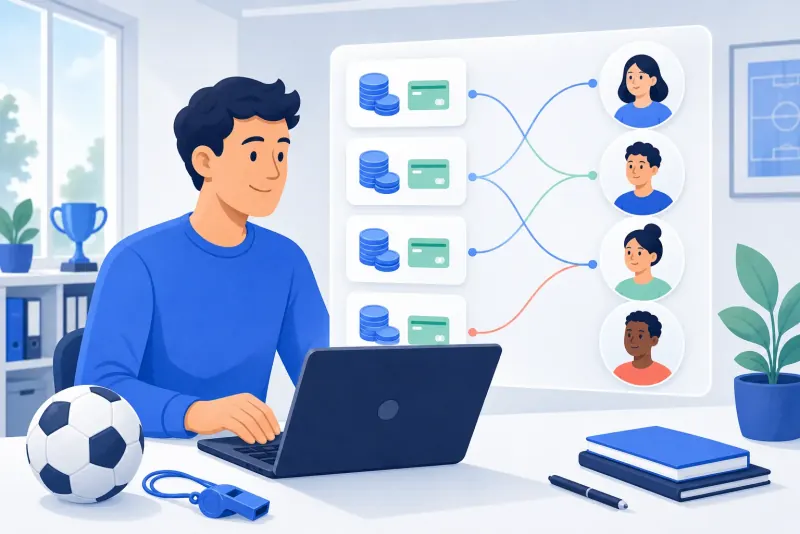
Illustration of a club administrator matching payments to members on a laptop
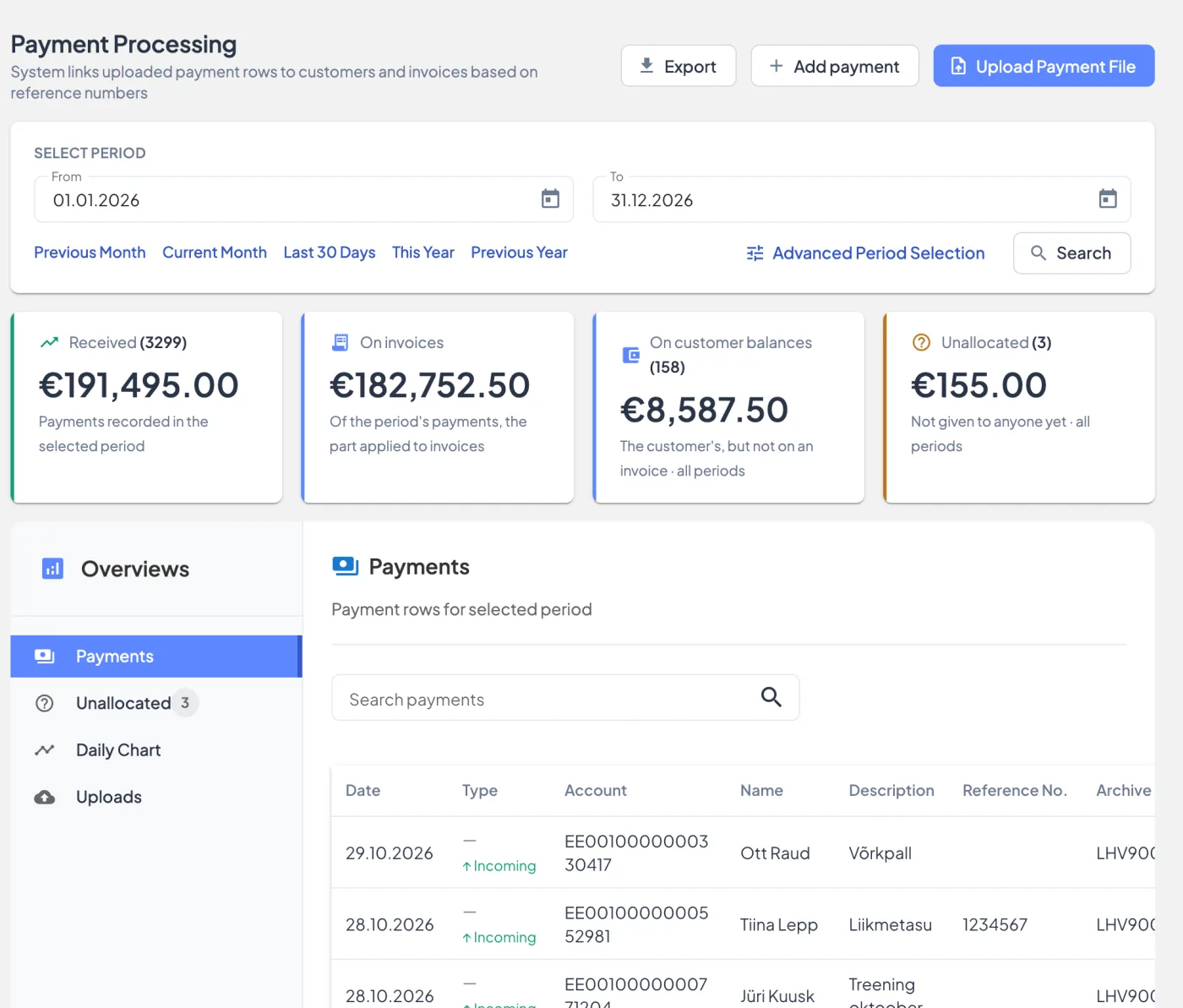
The payments page: amounts received, on invoices, on customer balances and unallocated, above the list of payments
Screenshots from the app, with demo data.

How it works

From the bank's file to paid invoices

  1. 1

    Download the statement

    Export it from your bank: LHV or Swedbank as CSV, or an ISO 20022 camt.053 XML file.

  2. 2

    Upload it

    Each incoming payment is matched to a member by their payment reference, then by an invoice number in the description, and paid onto their open invoices unless you turn that off. Outgoing payments, such as refunds, are left out.

  3. 3

    Check and confirm

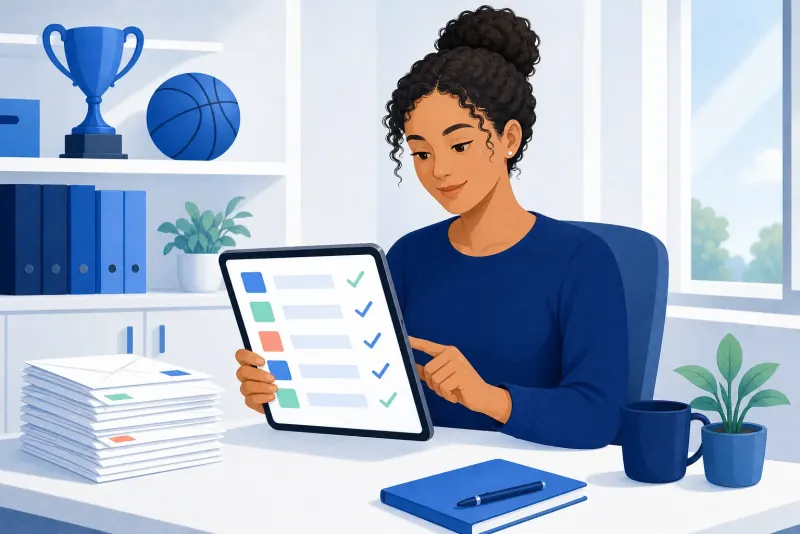
    The upload's page shows what was matched and what was not. Confirm it, or cancel it and every payment it brought in is taken back off the invoices.

  4. 4

    Assign the rest

    A payment nobody could be matched to stays free for you to assign, in parts to several members if it has to be.

How a payment finds its member

Every member has a payment reference. A payment that carries it belongs to that member. A payment without one is matched by an invoice number in its description. Anything else stays unassigned: the club decides, nothing is guessed.

Where the money goes

  • A matched payment pays the member's issued invoices, oldest charges first.
  • What is left over stays on the member's balance, and the next invoice run uses it.
  • An invoice never takes more than it still owes.
  • A payment nobody was matched to can be shared between several members.

Safe to upload again

A line you have already imported is skipped, so uploading a statement that overlaps the last one does no harm.

Every payment is a line added to the books and never rewritten: a correction is a new line, so the history stays whole.

Card payments and reminders

  • Connect your club's own Stripe account and members can pay an invoice by card; the payment lands on the invoice by itself.
  • The overdue list shows who owes what, with a reminder per invoice or in bulk, skipping those reminded recently.
  • The club can turn on automatic reminders for invoices that become overdue.
  • Exports for your accountant.

FAQ

Questions

Which bank files can I import?

LHV and Swedbank CSV statements, and ISO 20022 camt.053 XML.

What if a payment has no reference number?

It is matched by an invoice number in its description. If there is none, it stays unassigned and you choose the member.

What if I upload the same statement twice?

Lines that were already imported are skipped, so nothing is counted twice.

Can members pay by card?

Yes, if the club connects its own Stripe account. The money goes to the club's account, and the payment is recorded on the invoice.

What happens to an overpayment?

It stays on the member's balance, and the next invoice run spends it.

Can I undo an upload?

Yes. Cancelling an upload takes its payments back off the invoices they paid.
Turn a bank statement into paid invoices

Create a club account, set up your services and members, and upload your first statement.