Trainer portal

A portal for trainers: their own groups, nothing more

Every trainer signs in to a portal of their own. They see the sessions and members of the groups they run, mark attendance and plan their own sessions. How much of the money side they see is the club's decision, trainer by trainer and group by group.

One login for everything: a person who is a trainer and a manager picks the role when they sign in.

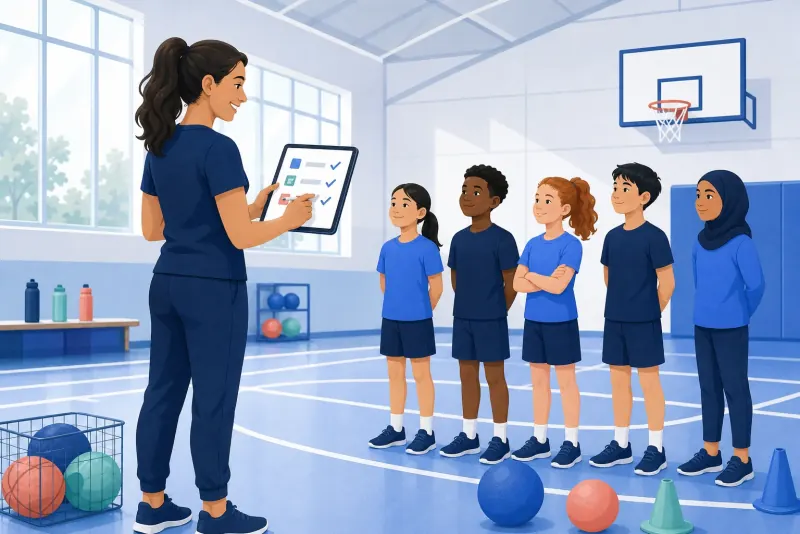
Illustration of a coach with a tablet on the sideline of a sports field
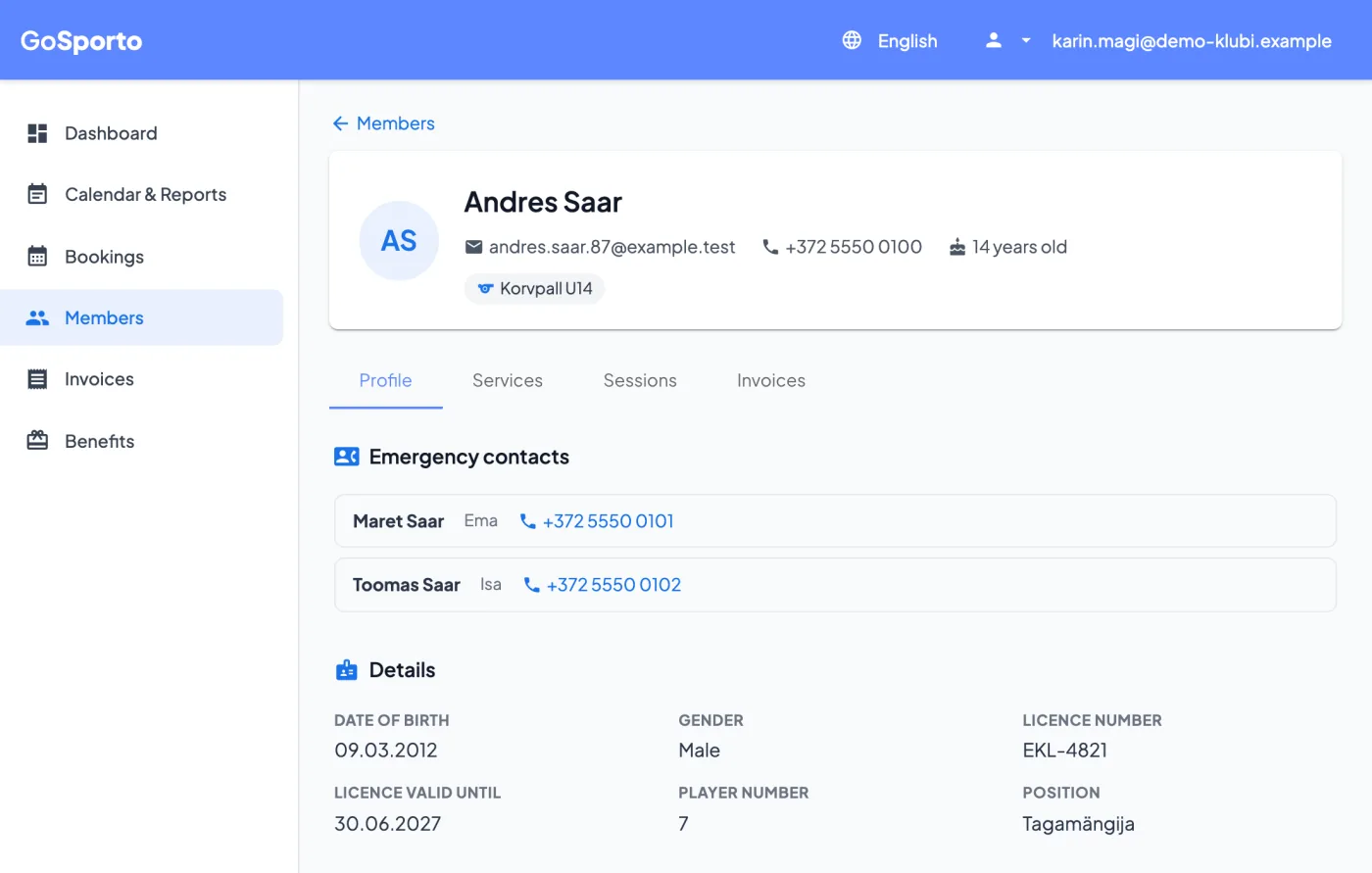
A trainer's page for a member of their group: contact details, emergency contacts, licence and position
Screenshots from the app, with demo data.

How it works

Bringing a trainer in

  1. 1

    Invite the trainer

    Send an invitation by email. The trainer connects it to their own login, new or one they already have.

  2. 2

    Give them their groups

    Add the trainer to the services they run. That decides which sessions and members they see.

  3. 3

    Choose what else they may do

    Per trainer and per service: edit prices, see full statistics, act on invoices, and see payments: none, their own, or the whole group's.

  4. 4

    They take it from there

    Plan sessions, mark attendance, look up a member's emergency contact before a match and, if allowed, prepare the group's invoices.

What a trainer sees

  • Their own sessions, and the members of their own groups.
  • A member's page: contact details, emergency contacts, licence, how they were recorded at the trainer's sessions, and what the trainer's groups bill them.
  • Attendance reports for their own groups.
  • Other groups, other prices and members' balances stay out of sight.

What a trainer can do

  • Create and edit their own sessions, single or repeating, with the same dialog the club uses.
  • Mark attendance in one save per session.
  • Prepare an invoice run for their own groups; it stays a draft until it is confirmed.
  • If the club allows it: email an invoice or a reminder, record a cash payment, or credit an invoice.

The club stays in charge

Every switch is per trainer and per service, so a head coach can see more than an assistant, and a trainer of two groups can have different rights in each. The club's managers are never limited by them.

FAQ

Questions

Do trainers see all members?

No. Only the members of the groups they run, and only while those members are in the group.

Can a trainer see what the club earns?

Only if the club lets them. Payments can be hidden, limited to those the trainer recorded, or show that service's whole share.

Can trainers create sessions?

Yes, single or repeating, with the same dialog the club uses.

Can a trainer send invoices?

If the club allows it for that service: email an invoice, send a reminder, record a cash payment or issue a credit note. Invoice runs they prepare stay drafts until confirmed.

What if someone is both a trainer and a manager?

They use one login and pick the role when they sign in.

Bring your trainers in

Create a club account, add your groups, and invite each trainer to the groups they run.