Members and families

A member register built for families

Keep every member in one place: contacts, emergency contacts, licence, the groups they belong to and who pays for them. Parents and children are linked as a family, and every member, or parent, has a portal of their own.

Health information is off by default; a club that needs it can have it switched on.

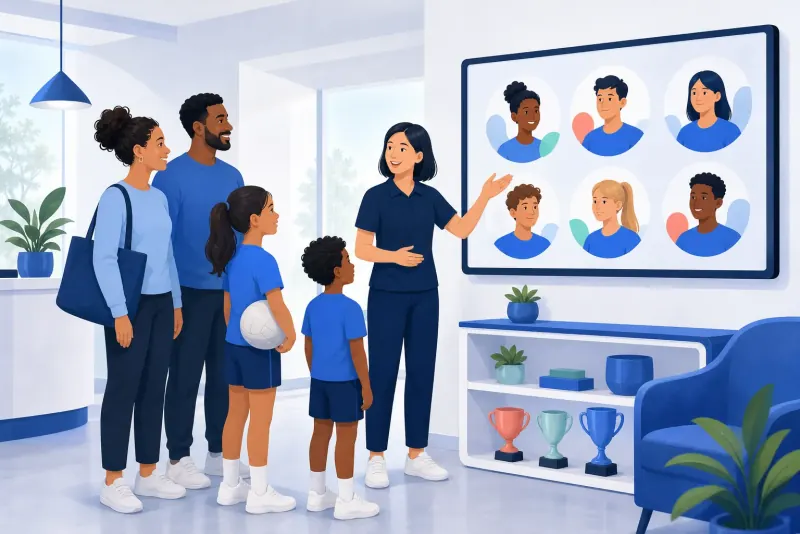
Illustration of a club administrator showing a family the club's member profiles on a screen
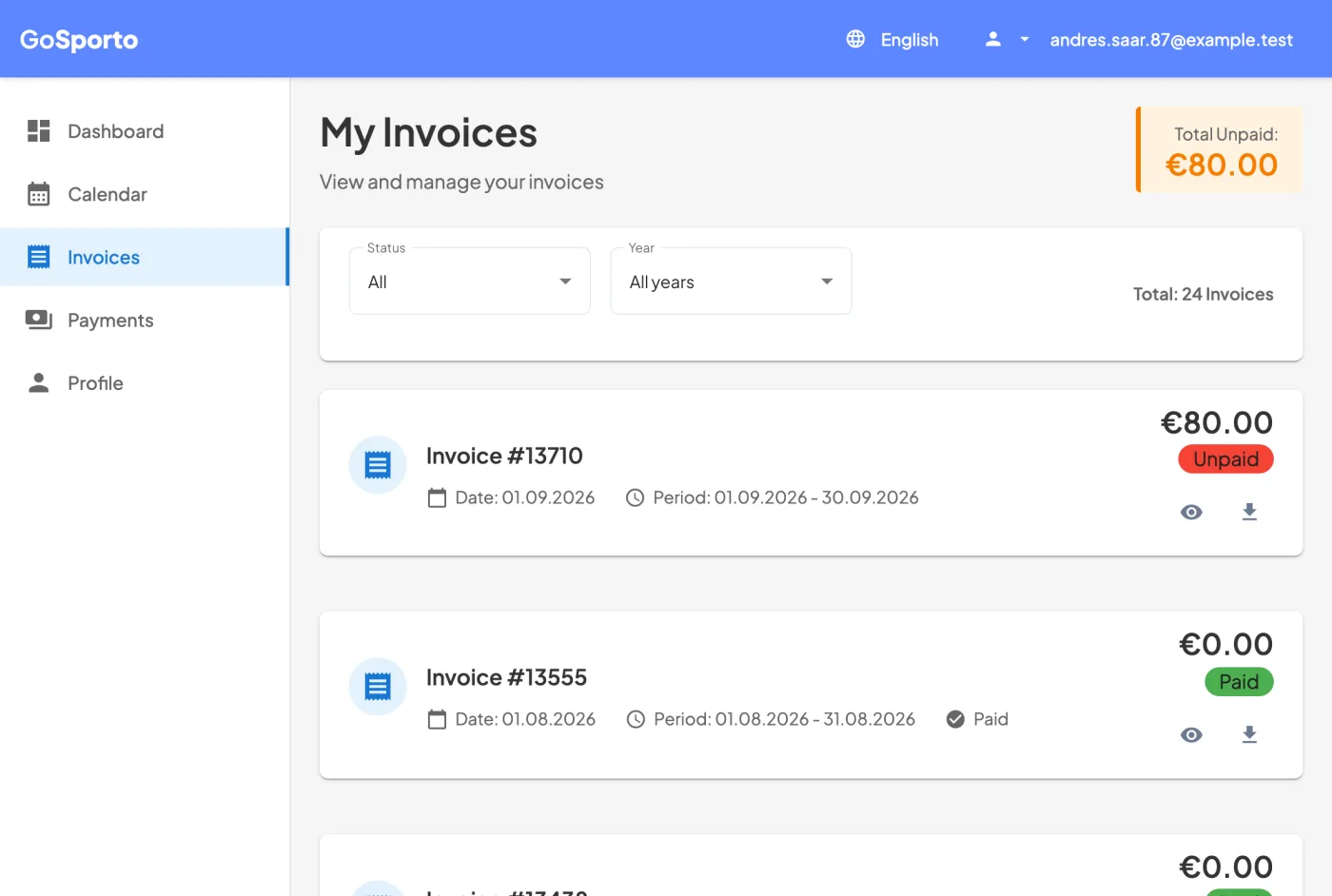
A member's invoices page: the total still due and a list of invoices marked paid or unpaid
A member's own portal, with demo data.

How it works

Getting your members in

  1. 1

    Bring them in

    Add members one by one, or import them from a Sportlyzer member export.

  2. 2

    Link the families

    Connect children to a guardian, and choose whose services go on the family invoice.

  3. 3

    Give them their groups

    Add each member to the services they attend: billing, sessions and attendance all work from that.

  4. 4

    Invite them

    Invite everyone with an email address to connect their own login, and they see their own sessions, invoices and payments.

What the club keeps about a member

The record is the club's: a person who belongs to two clubs has a separate record in each, and nothing one club enters shows in the other. When a member leaves, their profile is deleted with the membership.

  • Name, email, phone and national ID number.
  • Birthday, gender, nationality and address.
  • Two emergency contacts.
  • Licence and its expiry, player number and position.
  • How they found the club.
  • Health information (checkups, allergies, a comment), only for clubs that have it switched on.

Families

A guardian and their children are a family. The children's services can be billed on the guardian's invoice, one row per child, and the club decides which children and which services are combined. A parent with several children sees them on one invoice.

A portal for every member

  • Upcoming sessions, and a reply to each from the portal or an email link.
  • Invoices with their status and what is still due, to view or download.
  • Payments, and card payment if the club has connected Stripe.

One login, several clubs

A login belongs to the person, not to the club. Someone who is a parent in one club and a trainer in another signs in once and chooses where to go. The address a club keeps for a person is never used to sign in, so changing it cannot lock anyone out.

Export

Export the member list with profiles as CSV, in a standard or an Excel-friendly layout. Every export is logged, and health information is included only when the club has it and a manager asks for it.
FAQ

Questions

Can I import our current member list?

Yes, from a Sportlyzer member export (.xlsx). You see a preview, match its services to yours and choose who to bring in.

Can one person belong to several clubs?

Yes, with one login. Each club keeps its own record of them.

Can we keep health information?

Only if the club needs it and has it switched on; it is off by default.

Who can see a member's details?

The club's managers. A trainer sees the contact details, emergency contacts and licence of the members of their own groups. Other members see none of it.

What happens when a member leaves?

Their profile with the club is deleted along with the membership.

Bring your members in

Create a club account and import your member list, or add your first family by hand.